# Overview
AutoScale is a simple yet extensive Roblox studio open-source plugin that helps you scale your GUI on all screens.
With over 200,000 installs, the AutoScale plugin family is the most actively maintained, reputable and widely-used tool for helping developers with GUI scaling. [🏆](https://blog.emojipedia.org/the-most-popular-new-emoji-is/)
The best way to scale your GUI is to use Scale unit for Size and Position, as well as adding a UIAspectRatio constraint to maintain height to width ratio. Too tedious? That's where AutoScale comes in!
### Features
{% hint style="info" %}
Not all features listed here are available in all AutoScale variants.
{% endhint %}
* Position and Size unit conversion
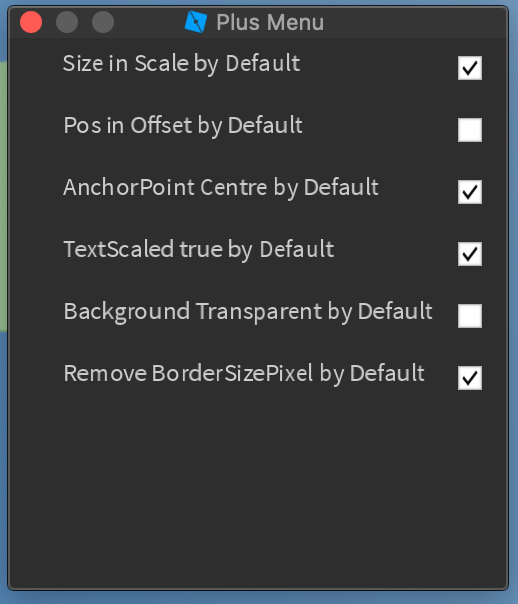
* Automation menu to set uiobject property defaults
* Automatic height width ratio calculation for UIAspectRatio constraints
* Intelligent scaling that makes scaling decisions for you
* Dynamic text scaling
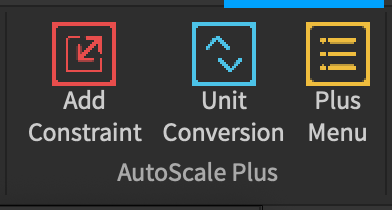
### Screenshots
{% hint style="warning" %}
Screenshots may depict an outdated version of AutoScale Plus.
{% endhint %}
\
\
\
\
### Get the plugin here!
{% content-ref url="download" %}
[download](https://zacbytes.gitbook.io/autoscale-docs/download)
{% endcontent-ref %}
### Need help?
Here are some page links and URLs to assist you.
{% content-ref url="documentation/studio-plugins" %}
[studio-plugins](https://zacbytes.gitbook.io/autoscale-docs/documentation/studio-plugins)
{% endcontent-ref %}
{% content-ref url="faq" %}
[faq](https://zacbytes.gitbook.io/autoscale-docs/faq)
{% endcontent-ref %}
Youtube Tutorial: (Credit to Jaflanson)\
\
\
DevForum Links:\
\
---
# Agent Instructions: Querying This Documentation
If you need additional information that is not directly available in this page, you can query the documentation dynamically by asking a question.
Perform an HTTP GET request on the current page URL with the `ask` query parameter:
```
GET https://zacbytes.gitbook.io/autoscale-docs/master.md?ask=
```
The question should be specific, self-contained, and written in natural language.
The response will contain a direct answer to the question and relevant excerpts and sources from the documentation.
Use this mechanism when the answer is not explicitly present in the current page, you need clarification or additional context, or you want to retrieve related documentation sections.